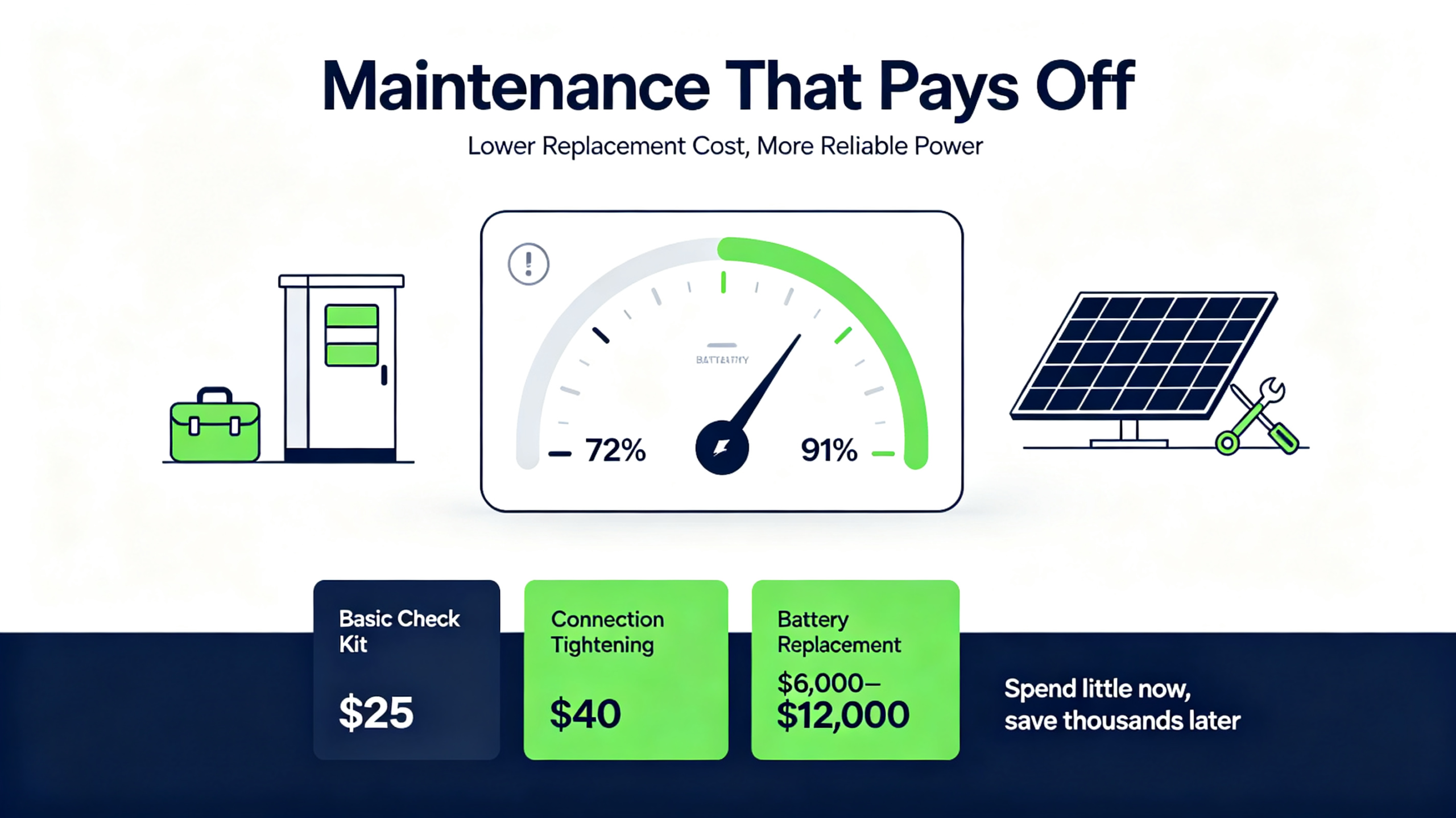
TL;DR: Solar battery maintenance is light for lithium-ion systems — keep them cool, dry and well ventilated, and watch the state of health in the app. Lead-acid batteries need more work: water top-ups on flooded models, clean terminals and equalization charging. Either way, monitoring performance trends is the best early warning of failure.
A solar battery is one of the most expensive parts of a home energy system — and one of the few that will need replacing during the life of your panels. A little maintenance goes a long way toward getting the full 10-15 years out of it. Here’s what actually matters.
The Maintenance Calendar
Two chemistries, two very different lists. Find yours and ignore the other column.
| Task | Lithium | Lead-acid |
|---|---|---|
| Check capacity and backup time in the app | Monthly | Monthly |
| Visual check: swelling, heat, smell, corrosion | Monthly | Monthly |
| Clean and dry the area, confirm airflow | Quarterly | Quarterly |
| Check electrolyte level, top up with distilled water | Not applicable | Monthly |
| Clean terminals, check torque | Annually, by the installer | Every 3-6 months |
| Equalisation charge | Not applicable | Every 1-3 months |
| Firmware update | When released | Usually none |
| Full technician inspection | Annually | Annually |
Maintenance by Battery Type
What you need to do depends almost entirely on the chemistry you have.
Lithium-Ion (Most Modern Systems)
Lithium batteries are designed to be maintenance-free in the traditional sense. There’s no water to add and no terminals to service. What they need is the right environment and monitoring:
- Keep them cool: Avoid garages or sheds that bake in summer; heat is the biggest lifespan killer
- Keep them dry: Moisture causes corrosion in connections and electronics
- Ensure ventilation: Units need airflow, not sealed enclosures
- Install software updates: Manufacturers improve charging behaviour through firmware
- Watch the state of health: Most apps report capacity fade over time
Lead-Acid (Older or Budget Systems)
Lead-acid batteries need real attention:
- Flooded types: Check electrolyte levels monthly and top up with distilled water only
- Clean terminals: Remove corrosion and keep connections tight
- Equalization charging: Periodic higher-voltage charging balances the cells
- Ventilation: They release hydrogen while charging — never enclose them
- Avoid deep discharge: Repeatedly draining them shortens life dramatically
Temperature Is the Whole Game
If you only do one thing for a lithium battery, do this. Heat is the largest single cause of early failure, and the effect is not linear – the standard rule of thumb is that degradation roughly doubles for every 10°C above 25°C.
| Temperature | What it does |
|---|---|
| Below 0°C | Most lithium units refuse to charge, to protect the cells |
| 15-25°C (59-77°F) | The design window – full rated life |
| 25-35°C (77-95°F) | Capacity fade roughly doubles |
| Above 35°C (95°F) | Failures arrive years earlier than the warranty expects |
A garage that hits 40°C in August is not “a bit warm”. It is a battery ageing two to four times faster than the datasheet assumes. The fix is usually cheap: shade, a vent, or moving the unit to a north wall.
Cold matters too, but differently. Most lithium units simply will not charge below freezing – they protect themselves – so a battery in an unheated outbuilding sits out the coldest mornings. That is a performance issue, not a permanent one.
Depth of Discharge and Charge Rate
Two more numbers in the spec sheet decide how hard the battery works.
- Usable capacity versus nameplate. A “10 kWh” battery rarely gives you 10 kWh. Most are 90-100% usable; some budget units reserve 20%. Know which one you bought.
- Depth of discharge. Cycling between 20% and 90% is gentler than 0-100 every day. Most systems already do this, which is exactly why forcing a full discharge to “reset” the battery is a bad idea.
- Charge and discharge rate. Pulling 5 kW from a 5 kWh battery is a 1C load, which is hard on it. A larger battery runs cooler for the same load.
You do not manage any of this by hand. You check that the installer set it for your usage rather than leaving the default, and that the app is showing the behaviour you expect. What a home battery can actually run is the practical version of the same question.
The Habits That Matter Most
- Check the app monthly: Look at backup time and capacity, not just the percentage – normal degradation is about 2-3% a year
- Compare month to month: Gradual decline is normal; sudden drops are not
- Keep the area clean and dry: Dust and moisture are the two quiet killers
- Don’t push the limits: Let the system manage discharge depth rather than forcing it
- Book an annual inspection: A technician can check connections, torque and firmware
Warning Signs of a Failing Battery
- Backup time noticeably shorter than a year ago
- Frequent error codes or inverter warnings
- Swelling, unusual heat, or a chemical smell
- Capacity readings that jump around unexpectedly
- The system stops covering loads it used to handle easily
If you notice any of these, contact your installer while the system is still under warranty.
| Symptom | What it usually means |
|---|---|
| Shorter backup time than last year | Normal capacity fade, or one cell string failing faster than the rest |
| Frequent error codes | The BMS is protecting the pack – often temperature or over-current |
| Swelling, unusual heat, chemical smell | Cell failure. Stop using it and call the installer, do not keep cycling it |
| Capacity readings that jump around | Calibration drift in the BMS, or a failing cell |
| Stops covering loads it used to | The pack’s maximum output has dropped, or an inverter setting changed |
What About Warranty?
Most home batteries carry a 10-year warranty that guarantees either a minimum capacity or a number of charge cycles. The capacity figure is usually 60-70% of the original by year ten, and that is not the same promise as a cycle count – ask which one your warranty uses. Keep your monitoring data — it’s the evidence used in warranty claims. Without performance records, proving a problem is much harder.
Conclusion
Solar battery maintenance is simple if you know what type you own. Lithium systems mostly need a cool, dry location and regular monitoring; lead-acid systems also need water checks, clean terminals and equalization. Monitor your data, act on sudden changes, and your battery should comfortably reach its rated lifespan. System monitoring is where the early warning actually lives.
FAQ
Do solar batteries need maintenance?
Lithium batteries need very little — mainly a cool, dry, ventilated location and periodic monitoring. Lead-acid batteries require water checks, terminal cleaning and equalization charging.
How long do solar batteries last?
Lithium-ion batteries typically last 10-15 years. Lead-acid batteries usually last 5-8 years, depending on how deeply they’re discharged.
How do I know if my solar battery is failing?
Shorter backup time than before, frequent error codes, swelling, unusual heat, or erratic capacity readings. Contact your installer while the warranty is active.
Does temperature affect battery life?
Yes. High temperatures are the biggest cause of premature battery aging. Shade, ventilation and a stable location significantly extend lifespan.
Can I maintain my solar battery myself?
Lithium batteries: yes, just monitoring and keeping the area clean and cool. Lead-acid: basic checks are DIY-friendly, but electrical work and inspections are best left to a professional.
What temperature should a solar battery be stored at?
Between 15°C and 25°C (59-77°F) is the design window. Above 25°C, degradation roughly doubles for every additional 10°C, and most lithium units will not charge below 0°C at all.
Should I fully discharge my battery occasionally to reset it?
No. Deep discharges are harder on lithium cells than shallow ones. If the capacity reading looks wrong, that is a calibration question for the installer – not a reason to drain the battery.
How often should a solar battery be inspected?
Once a year for lithium, and every three to six months for lead-acid. The inspection is mostly connections, torque, ventilation and firmware – not the cells themselves.
Related: How Long Do Solar Batteries Last? Lifespan and Degradation Explained
3 thoughts on “Solar Battery Maintenance – How to Make Yours Last Longer”